
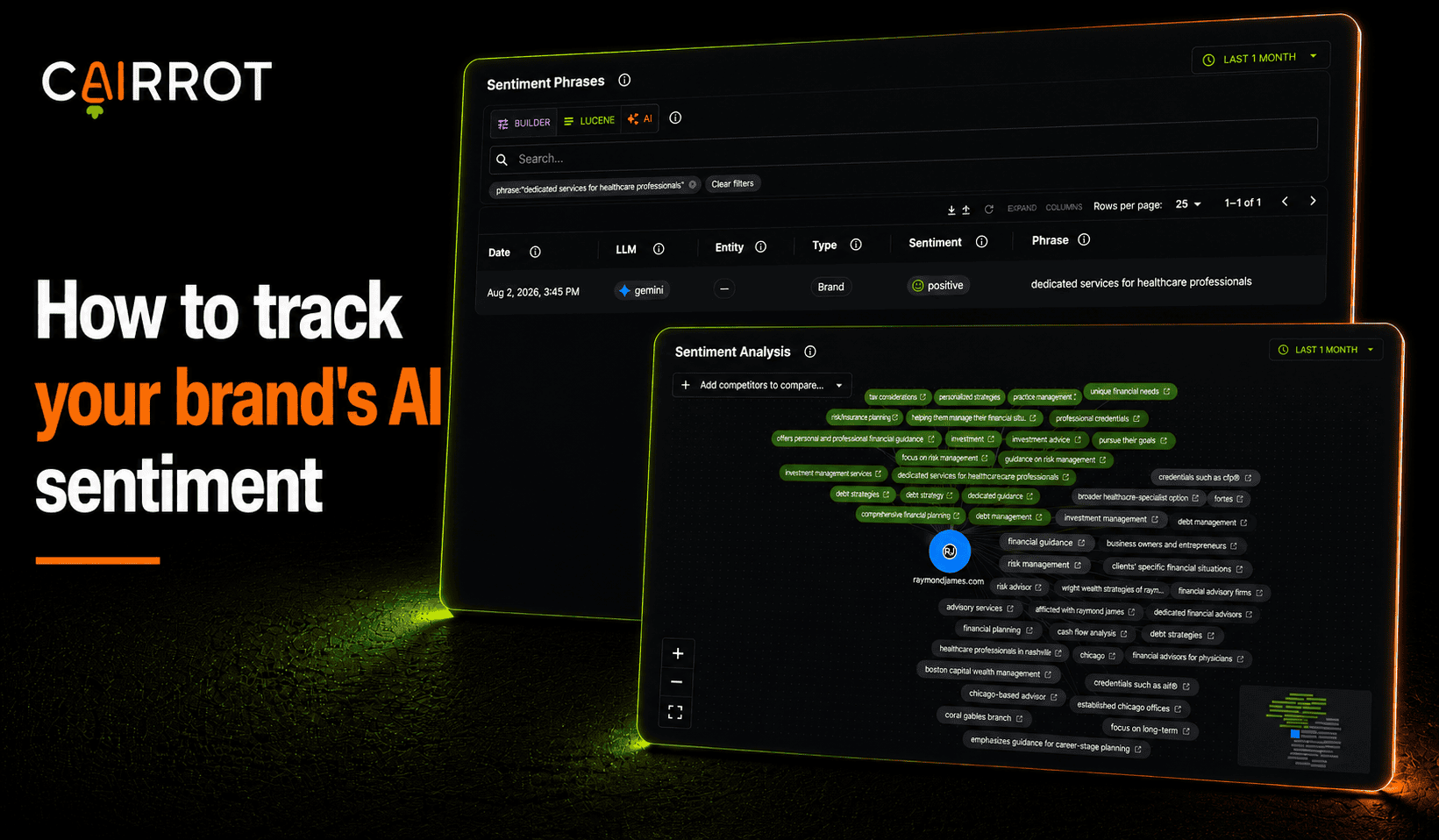
What is AI sentiment analysis and how does sentiment monitoring work?
AI brand sentiment monitoring measures the tone models use when they describe you. Sentiment analysis reads every AI response that names your brand, pulls out the individual phrases used to describe you, and scores each one as positive, negative, or neutral. It runs the same analysis on your competitors, so you can benchmark whose description reads better, which is the part that turns a sentiment score into an actual reputation signal you can work on.
Best practices:
- Track the phrases, not just the score, a number tells you something moved but not what to fix
- Score your competitors alongside you, positive means nothing without a benchmark
- Watch the neutral pile, those are the phrases you haven’t given AI a reason to like yet
Monitoring brand sentiment
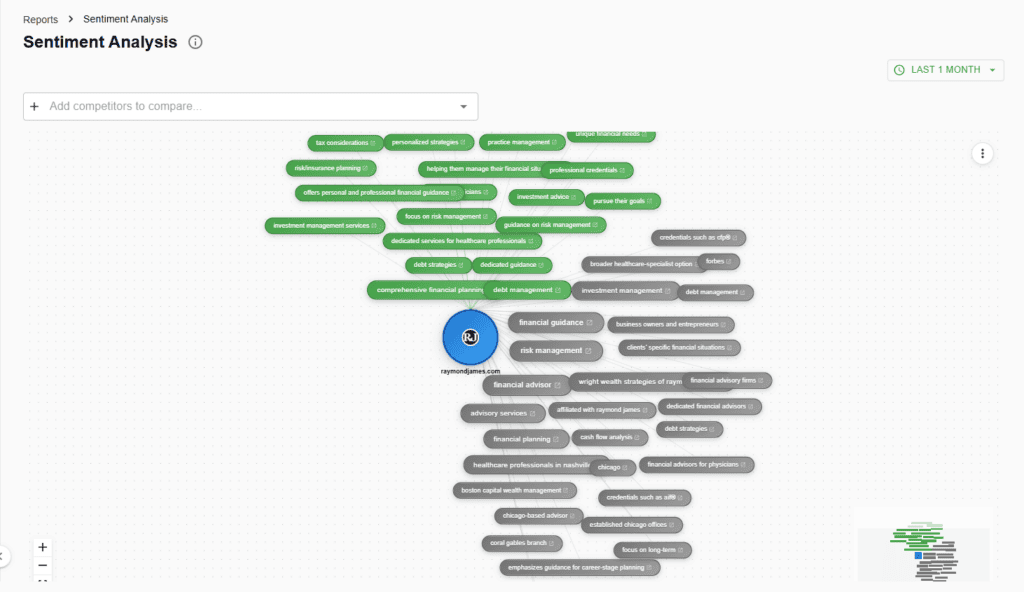
Head to Reports then Sentiment Network in your Cairrot dashboard. Your brand sits at the center and every phrase AI used to describe you branches off it. Green is positive, red is negative, grey is neutral.
Read every sentiment phrase
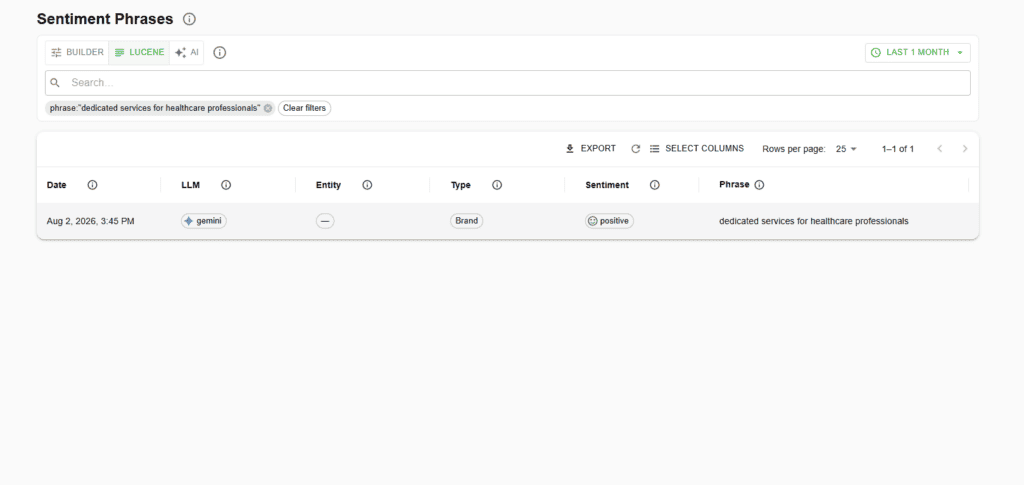
Sentiment Phrases under Search is the same data as a table. Each row is one phrase with the date, which LLM said it, which entity it was about, whether that entity is you or a competitor, and the sentiment score. Query it three ways with the Builder, Lucene, or AI toggle, pick your columns, and export the whole thing.
What to do with the neutral pile
Most brands find their biggest block of phrases is neutral, not negative, and it’s the easiest group to move. Neutral means the models can describe what you do but have nothing to say about why you’re good at it, no differentiator, no proof, no specifics they can repeat. Those phrases are a content gap you can close directly. Negative sentiment usually needs a source removed or outweighed; neutral sentiment just needs you to give the model something worth saying.
AI query generation requires a connected AI service.
Build filters with rules and groups, edit a Lucene query, or enter an AI search request. This standalone component prepares a query; connect a search service to retrieve results.
Benchmark who AI describes better
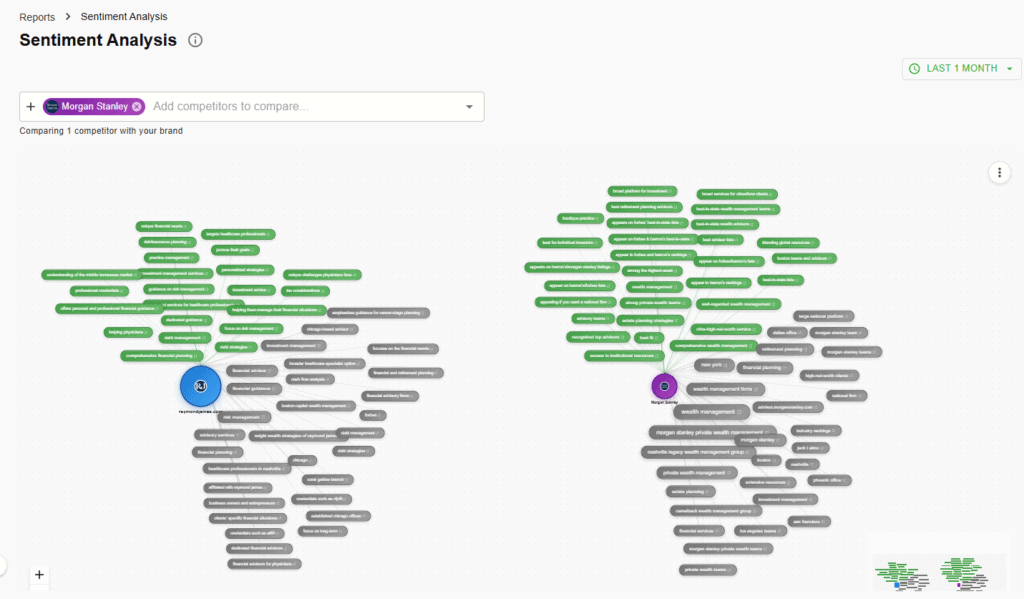
Add a competitor from the dropdown and their network appears next to yours, their node in purple and yours in blue, each with its own phrase cloud.
Monitor sentiment trends over time
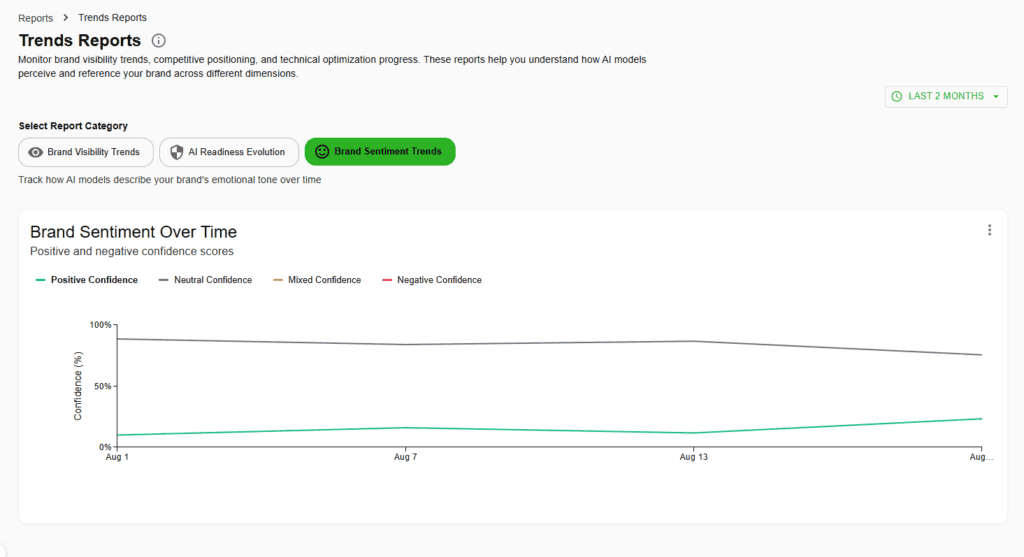
The Trends Report has a Brand Sentiment Trends tab that charts positive, neutral, mixed, and negative confidence across every run, so you can tell whether the work you’re doing is moving the tone or not.
Related features
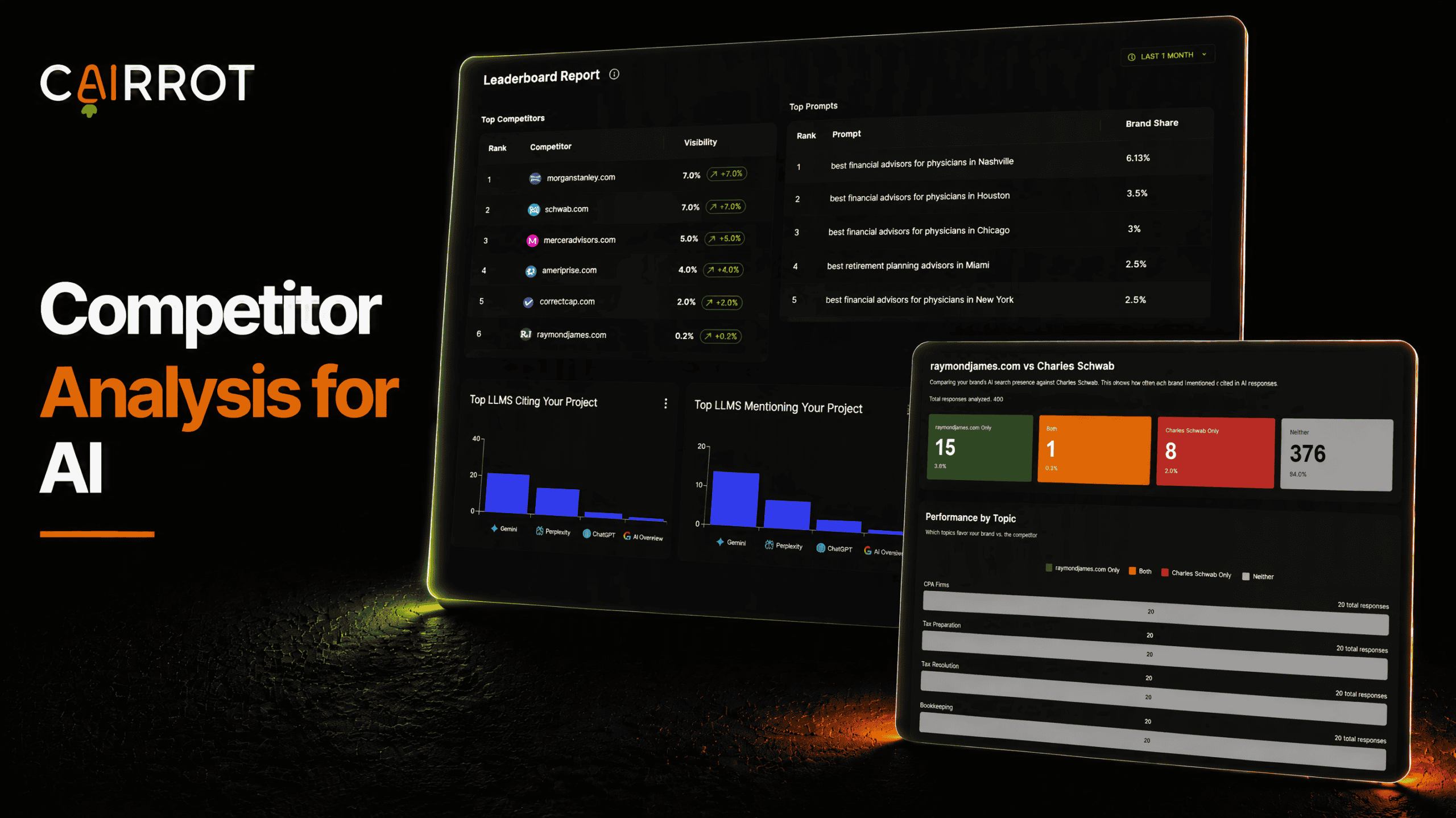
AEO Competitor Analysis
See who AI recommends in your market. Compare competitors head to head, uncover the topics they lead, and find opportunities to grow your brand’s visibility.
Learn More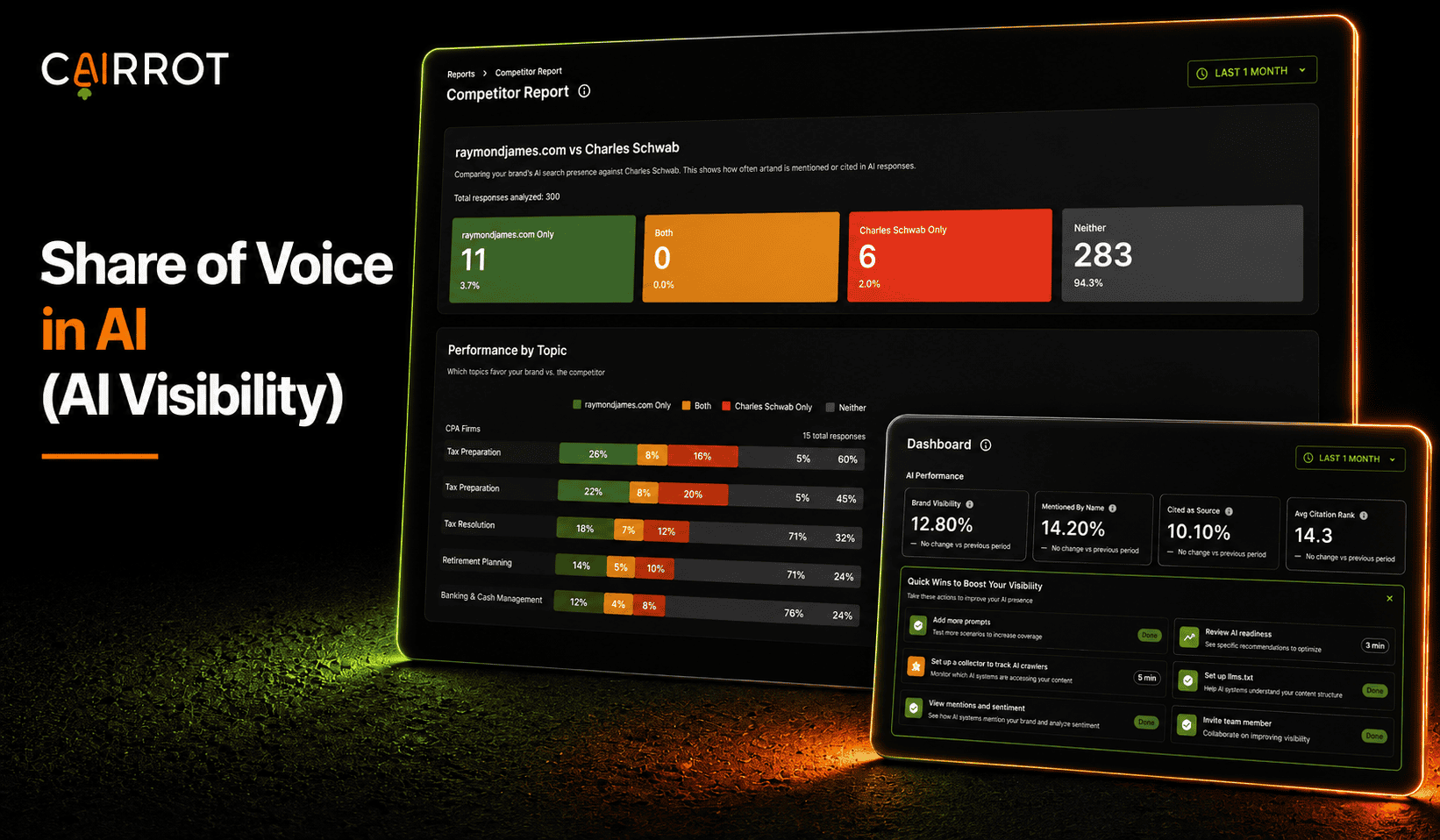
AI Share of Voice
See how often AI mentions or cites your brand. Measure your visibility against competitors, compare topics, and track your share of the conversation over time.
Learn More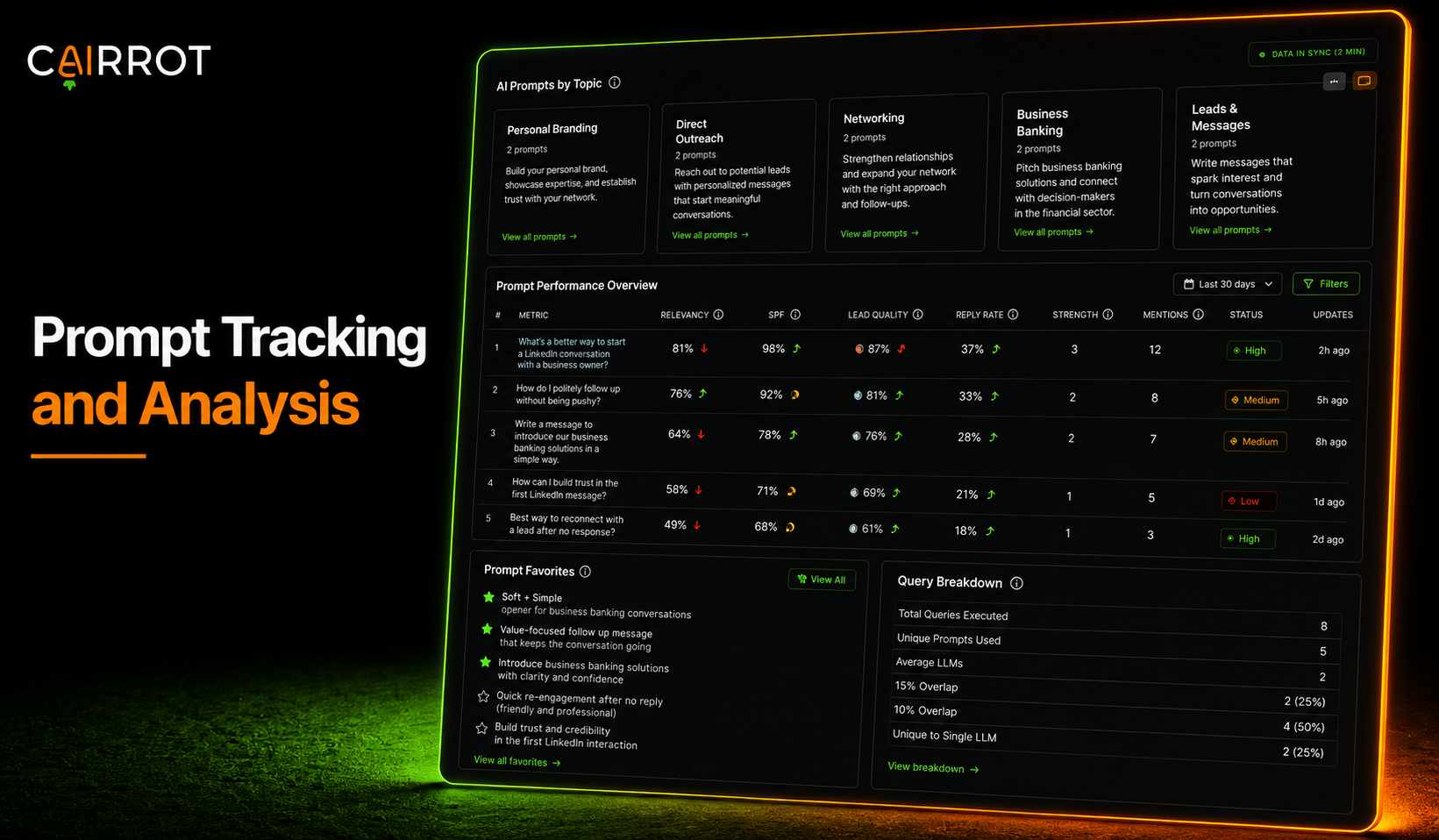
AI Prompt Tracking
Track the questions your customers ask AI. See which answers mention or cite your brand, compare results across models, and monitor how you perform against competitors.
Learn MoreFAQ
Is sentiment tracking included in every Cairrot plan?
Yes, every paid Cairrot plan includes the sentiment network, the phrase table, competitor comparison, and sentiment trends.
Which AI models does sentiment tracking cover?
The same models Cairrot runs your prompts across, including ChatGPT, Perplexity, Gemini, and Google AI Overviews.
Can I export my sentiment data?
Yes, the network exports as PNG or PDF, and the underlying data downloads as CSV or JSON.
Find out how AI describes you
Check out how your brand is showing up in AI search and what AI is actually saying about you. It’s included in every paid Cairrot plan, and you can start with a free AEO report.