
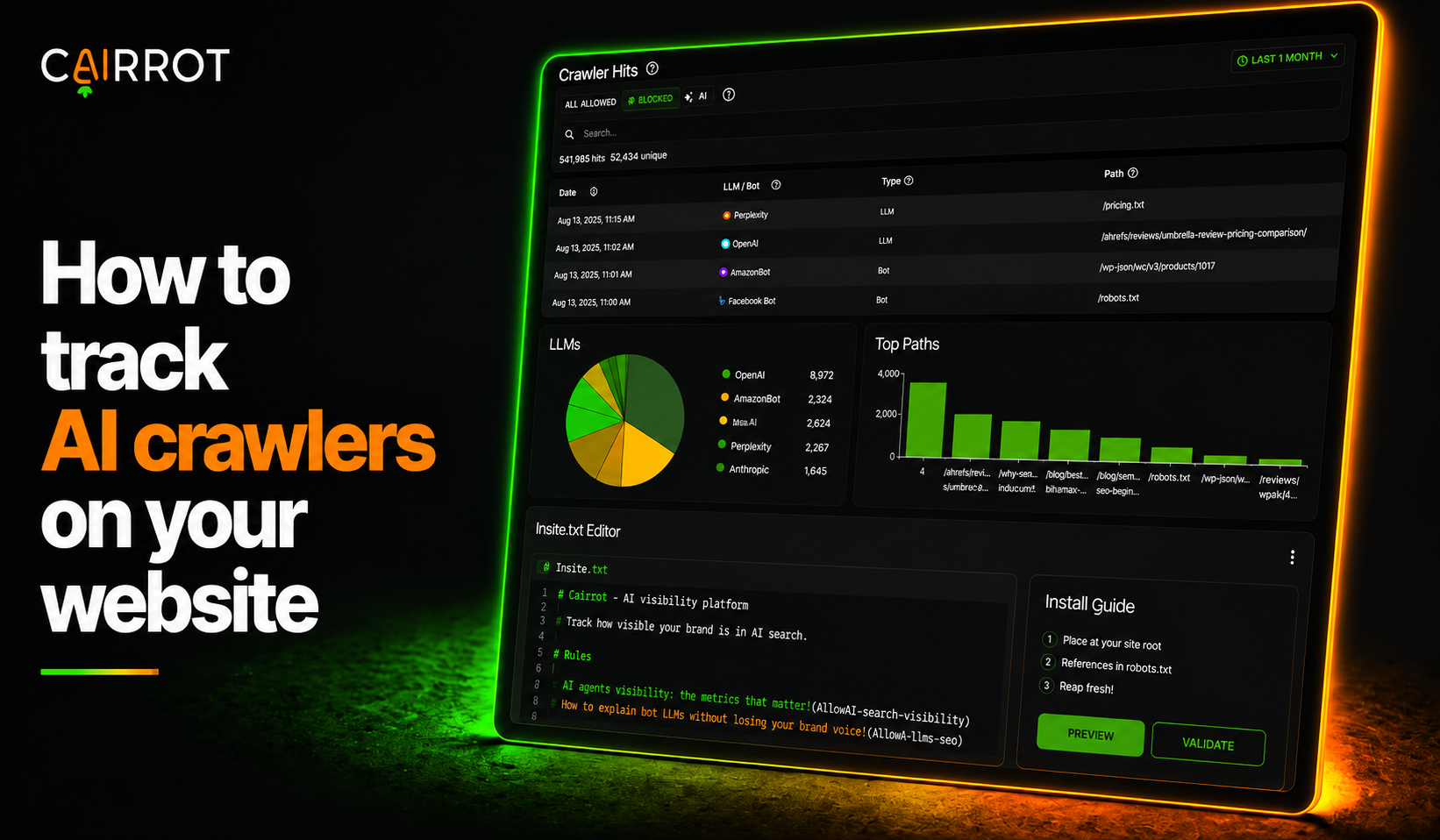
An AI crawl monitor is a tool that tracks log visits from AI crawlers and AI bots to your website, the agentic traffic that never shows up in standard analytics. Before an AI model can use your site as a source, its crawler first needs to access and read your content. Many AI bots do not execute the JavaScript used by client-side analytics, and Google Analytics excludes known bot traffic, so these visits may never appear in your reports. The reliable way to detect them is server-side, matching each request’s user agent against a maintained list of known AI crawlers.
Best practices:
- Log AI bot visits server side, not with JavaScript
- Watch which pages AI crawlers hit most
- Compare crawler activity before and after publishing new content
- Treat a missing crawl as a technical diagnostic, not a content problem
How to detect and track AI crawlers on your website(s)
Tracking AI crawlers means capturing requests at the server layer, normally requires going through raw server logs or writing your own filtering scripts. You can do it manually, or you can use a collector that logs, labels, and charts it all for you. Cairrot offers 3 types of connectors, all server side:
Three ways to log AI crawler traffic on your site
| Collector | Best for | How it works |
|---|---|---|
| WordPress plugin Cairrot AI Logger | Any WordPress site | Install, paste your key, done. Reads the user agent on every request server side and refreshes its crawler list daily. |
| Cloudflare Worker | Any site behind Cloudflare | Runs at the edge before the request reaches your origin, so nothing hits your server. It’s open source and free on our GitHub. |
| AWS CloudFront | Sites on CloudFront | Logs AI and bot traffic hitting your distribution so you can confirm content ingestion across your CDN. |
Agentic traffic
Agentic traffic is not like a normal visitor. These are requests from AI agents fetching a page in real time to answer a live prompt, not just training crawlers building an index. It arrives with no referrer, runs no scripts, and usually grabs one page and leaves. Client-side analytics can’t see it at all. Server-side logging is the only reliable way to detect it, and in Crawler Hits it sits alongside training crawlers so you can analyze both in the same view.
Top Paths
Crawls, citations, and traffic are three different things
People mix these up constantly, so here’s the short version:
Crawls, citations, and traffic: what each one tells you
| Metric | What it means | What it proves |
|---|---|---|
| Crawl | An AI bot requested a page on your site | The model can actually read you |
| Citation | Your URL or brand showed up inside an AI answer | The model chose you |
| Traffic | A real person clicked from that answer to your site | It turned into a visitor |
A crawl is the leading indicator. No crawl, no citation, no traffic. Cairrot tracks all three in one place, so you can watch a page get crawled, then start getting cited, then start sending you people.
If you want the full breakdown of which answer engine optimization (AEO) and generative engine optimization (GEO) metrics matter and how to report them, we wrote about that here:AEO/GEO Metrics: New SEO KPIs and Methods for Reporting AI Visibility.
Monitoring AI crawlers with Cairrot
Head to Search in the left sidebar, then select Crawler Hits in your dashboard. Every AI crawler visit shows up automatically, with charts breaking down which LLMs are crawling, which paths they hit most, and how crawl activity is trending over time.
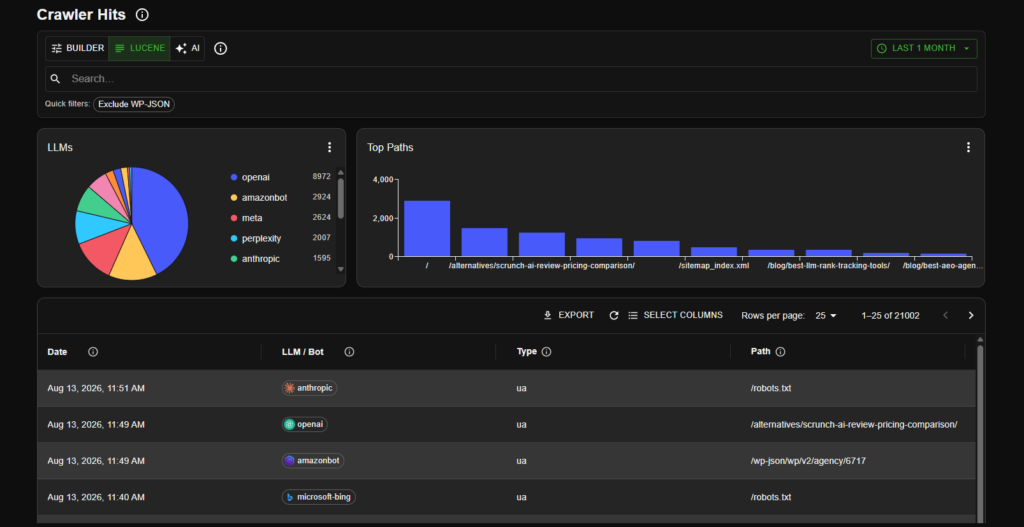
Every AI crawler we track, not just the big LLMs
This is the part that surprises people. Our prompt tracking covers the LLMs you’d expect: Openai, Amazonbot, Perplexity, Anthropic, Microsoft-Bing, Google-extended, Mistral, Applebot, Commoncrawl,Duckduckgo . Crawler Hits is broader than that. It logs any AI bot that touches your site, including ones you’ve probably never thought about.
Which AI crawlers are hitting the site
| Crawler | Requests | % of total |
|---|---|---|
| OpenAI | 9,411 | 41.7% |
| Amazonbot | 3,352 | 14.9% |
| Meta | 2,778 | 12.3% |
| Perplexity | 2,050 | 9.1% |
| Anthropic | 1,813 | 8.0% |
| Microsoft Bing | 1,349 | 6.0% |
| Google Extended | 565 | 2.5% |
| Mistral | 487 | 2.2% |
| Applebot | 422 | 1.9% |
| CommonCrawl | 186 | 0.8% |
| DuckDuckGo | 142 | 0.6% |
Search and filter the logs
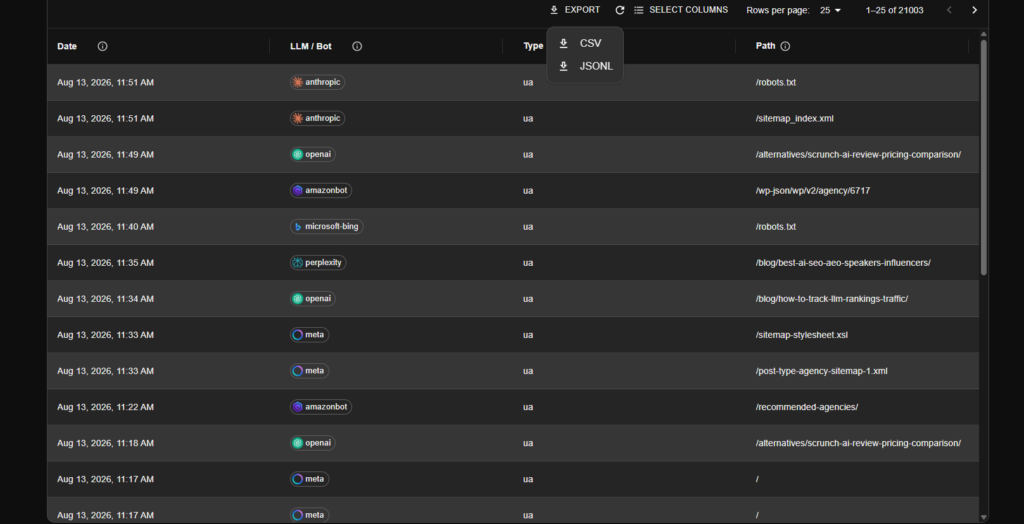
Every hit is logged with the date, the crawler, and the exact path it requested. You can search the query builder, Lucene syntax, or plain English with AI search mode, filter out WordPress noise, and export everything to CSV. Filtering by path is the fastest diagnostic you have. If your money pages aren’t in the log, the AI bots aren’t reading them.
Detect what your robots.txt is blocking
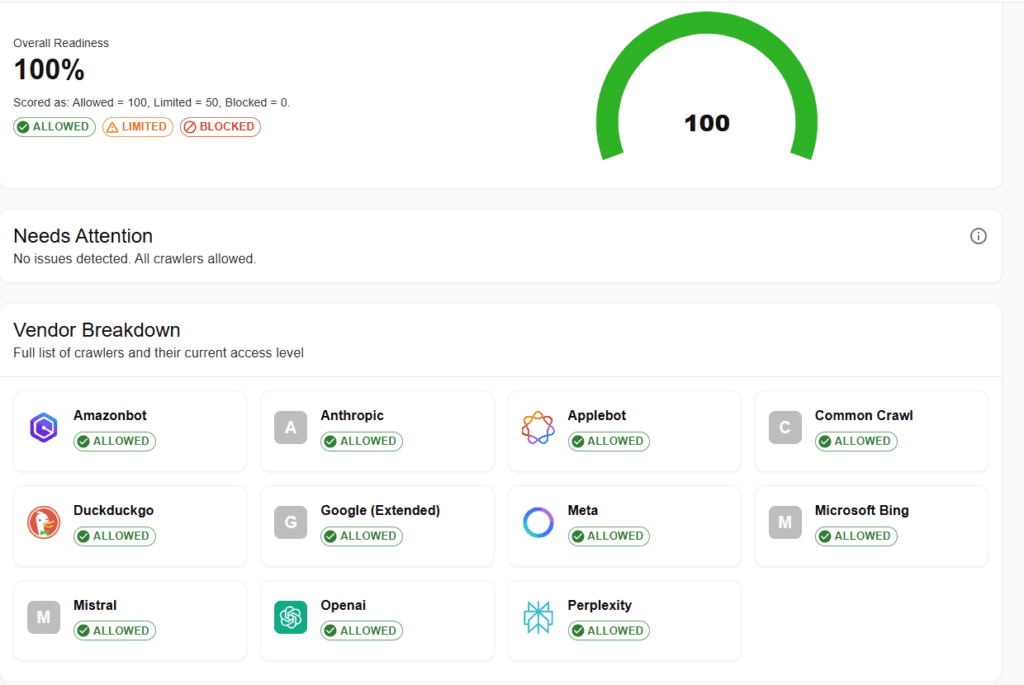
Crawl gaps are usually a robots.txt problem, not a content problem. Cairrot’s robots.txt view shows which AI bots you’re allowing, which you’re blocking, and when the file last changed. The first diagnostic to run when a crawler stops showing up in your log.
You can watch your crawl behavior for free
You don’t need to pay to see this. Start a free AEO report, connect one of the three collectors above, and crawler hits start logging to your dashboard right away. The Cloudflare Worker is open source and the WordPress plugin is free, so the setup costs you nothing either.
Related features
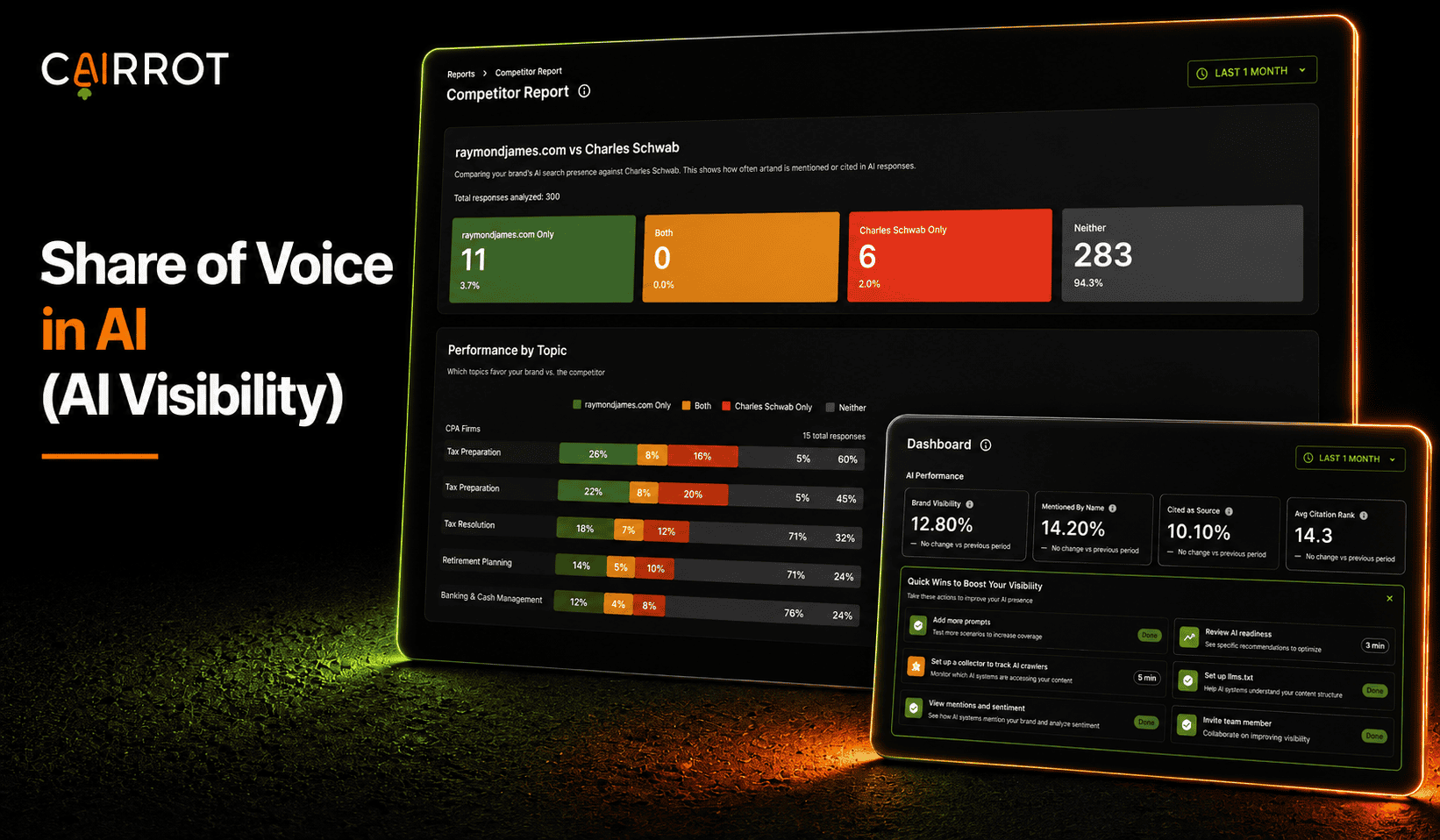
AI Share of Voice
See how often AI mentions or cites your brand. Measure your visibility against competitors, compare topics, and track your share of the conversation over time.
Learn More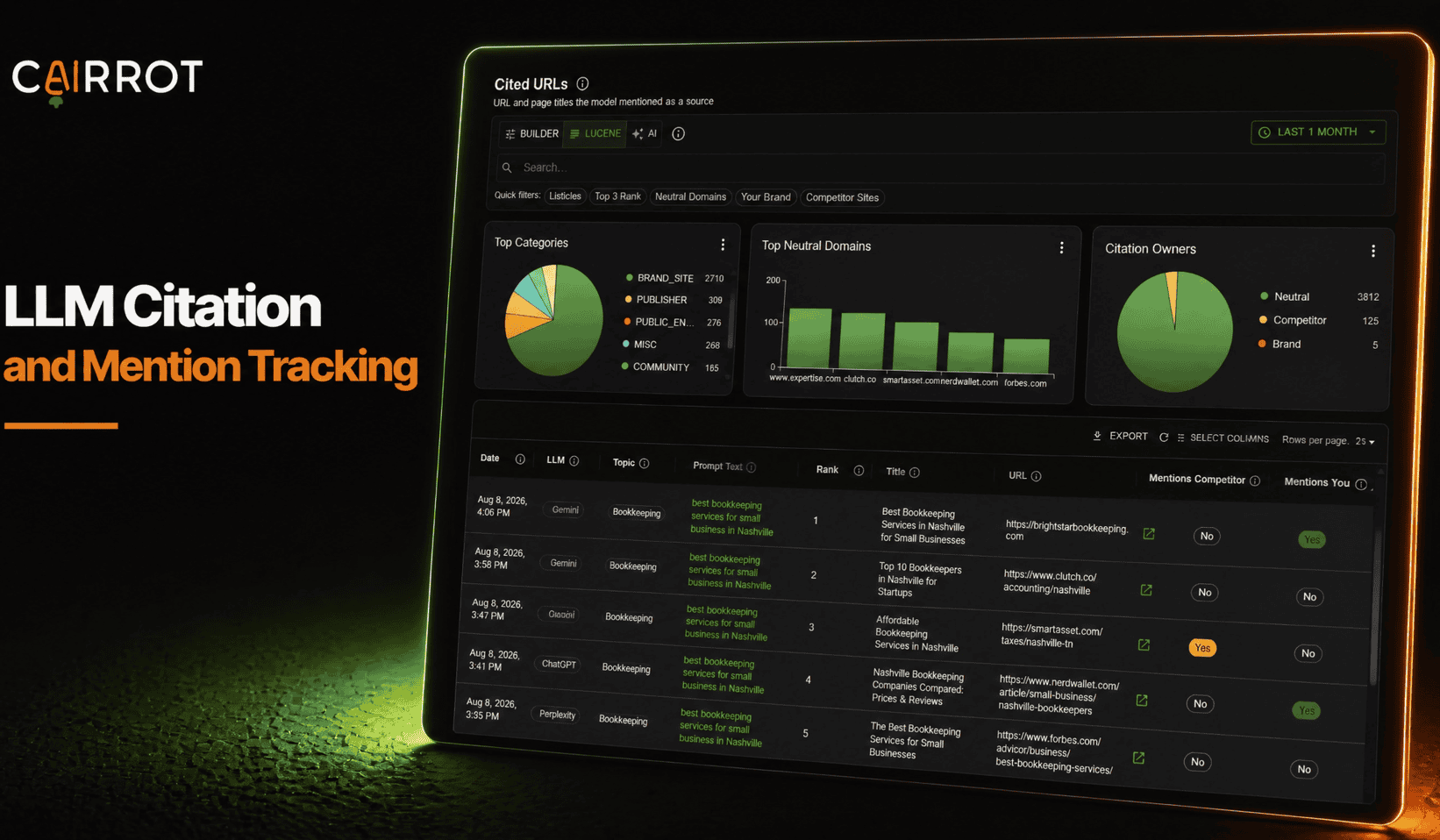
LLM Citation & Mention Tracking
Know when AI names your brand and which pages it cites. Track mentions, source links, and sentiment to understand how AI talks about your business.
Learn More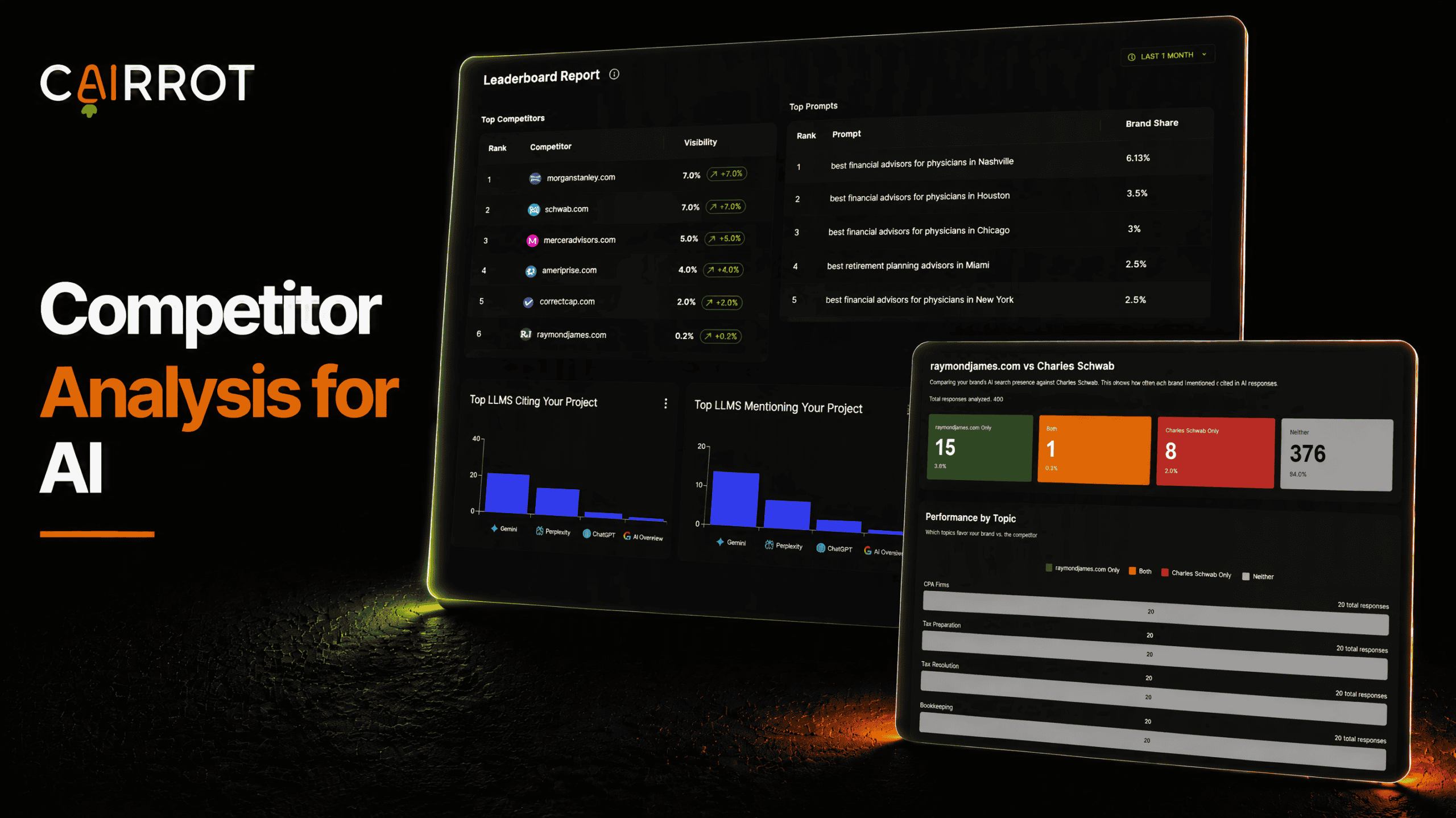
AEO Competitor Analysis
See who AI recommends in your market. Compare competitors head to head, uncover the topics they lead, and find opportunities to grow your brand’s visibility.
Learn MoreFAQ
Can I export my crawl data or send it into my own tools?
Yes. Export any view to CSV, or pull it programmatically through our public API and MCP server.
Is the AI crawl monitor included in every Cairrot plan?
Yes, every paid Cairrot plan includes crawler logging, the Crawler Hits dashboard, and exports.
Why doesn’t Google Analytics show AI crawler visits?
AI crawlers don’t execute JavaScript, so any analytics tool that relies on a tracking script is blind to them.
Which AI crawlers does Cairrot track?
Cairrot matches against a curated list of AI crawlers including GPTBot, ClaudeBot, PerplexityBot, Google Extended, Amazonbot, and more, with the list refreshed daily.
Can I track agentic traffic in my CDN logs with Cairrot?
Yes. The AWS CloudFront connector logs AI bot and agentic traffic hitting your distribution, so you can confirm content ingestion across your CDN even when requests never reach your origin server. The Cloudflare Worker does the same at the edge.
Start Monitoring AI Visits To Your Site With Our Free Plugin
See exactly which AI bots are reading your site, which pages they hit, and which ones they skip. Install a collector in a few minutes and crawler hits start logging right away.